The Red Battery Bar Confession: A Ulala Player’s Guide to Actually Idling
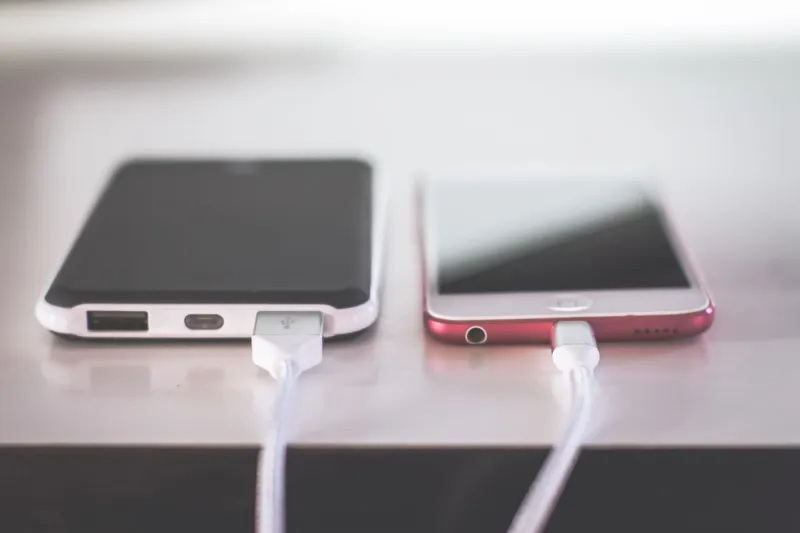
There’s a special kind of irony in playing a game with “Idle Adventure” in the title while your phone quietly burns through 40% of its battery before lunch. Ulala is supposed to be the chill companion to your day—the kind of game you peek at while the coffee brews, not the reason your charger has become a permanent accessory. And yet, here we are.
If you’ve ever told a friend, “It’s an idle game, I barely play it,” while also knowing exactly how many minutes until your next free claim, this audit is for you. No judgment. Just a battery report, a screen-time reality check, and a few practical ways to let Ulala actually idle.
Start With the Ugly Numbers
Open your phone’s battery settings and look at the last 24 hours or the last 10 days. You’re not looking for a grade. You’re looking for a pattern. Is Ulala near the top of the list? Is it hanging out above your messaging app or your music player? That’s your first clue.
Then check screen time. Not to shame yourself—just to compare the story you tell about your play habits with the story your phone is telling. A lot of Ulala players describe themselves as “check-in-and-out” folks. The data often says “checks in and out, then back in, then back out, then in again during the commercial break.”
One player I know swore he only opened Ulala “a few times a day.” His phone showed 47 pickups on a Tuesday. Tuesday! Not a boss night, not a tribe event, just a regular Tuesday with a side of compulsive tapping.
The goal here isn’t to play less for the sake of playing less. It’s to separate the parts of Ulala that genuinely need your attention from the parts that are just… there. Idle games are designed to reward returns. They’re also designed to make returning feel urgent. Your phone can help you spot the difference.
The Three Culprits Hiding in Plain Sight
Most of the drain comes from three ordinary settings and habits. None of them are scandalous. All of them add up.
1. Notifications That Cry Wolf
Ulala has a lot to tell you: tribe activity, event timers, boss windows, friend gifts, and whatever else the game decides is “important” today. Some of those pings are useful. Others are the digital equivalent of someone tapping you on the shoulder to say, “Hey. Hey. You’re still playing, right?”
Go through your notification settings and ask one question per category: Would I be upset if I missed this until my next planned check-in? If the answer is no, mute it. Keep the ones that actually affect your squad or your event participation. Everything else can wait.
2. Background Refresh Doing Overtime
Background app refresh is a wonderful feature in theory. In practice, it can keep an idle game awake longer than your most energetic group chat. If Ulala is refreshing in the background constantly, your phone is doing work even when you’re not looking at it.
You don’t have to turn it off forever. Try limiting background refresh for a week and see whether your experience actually changes. For most players, the game catches up just fine when you open it. The idle rewards don’t vanish because your phone took a breather.
3. The “Quick Peek” That Isn’t Quick
This is the big one. The phone knows. The screen-time report knows. The “quick peek” is rarely quick. It starts with collecting a reward, turns into checking a tribe message, becomes a gear comparison, and ends with you reorganizing pets while the pasta water boils over.
A simple fix: decide what a check-in is for before you open the app. “Collect and close.” “Claim event rewards and close.” “Check tribe chat and close.” If you open Ulala without a purpose, you’re not idling. You’re browsing.
Let Idle Be Idle: A Practical Reset
Here’s a gentle reset you can run this week. It doesn’t require spreadsheets, and it won’t cost you a single shell.
First, set two or three check-in windows that fit your actual life. Maybe once with breakfast, once after work, and once before bed. Maybe a lunchtime peek if your schedule allows. The exact times matter less than the fact that they’re yours.
Second, turn off nonessential notifications during the gaps. You’re not ignoring your tribe; you’re choosing when to respond. There’s a difference, and most reasonable people understand it.
Third, use the game’s own idle systems instead of fighting them. Let rewards accumulate. Let the game do its background thing while you do your foreground thing—work, school, parenting, grocery shopping, staring lovingly at a Target clearance endcap. Ulala will be there when you return.
Fourth, put the phone face down during meals or while watching something with your family. This sounds like generic advice because it is. It also works. The red battery bar is a surprisingly honest little accountability coach.
Tell Your Tribe (No, Really)
If you’re in an active tribe, a sudden drop in check-ins can look like ghosting. A quick message solves most of that: “Hey, I’m shifting to morning and evening check-ins. Still here, just not hovering.” Most tribe leaders would rather have a reliable player with clear windows than a nervous player who burns out and vanishes.
This is also a good moment to look at tribe expectations. If your group demands constant presence for an idle game, that’s worth noticing. Chill squads exist. You’re allowed to find one.
What You Actually Gain
A quieter phone. A battery that lasts through the evening. Fewer tiny dopamine interruptions. And—this is the important part—a clearer sense of when Ulala needs you and when it’s just happy to keep the lights on.
You don’t fall behind by letting an idle game idle. You fall behind by treating it like a second job and then resenting it. So check the battery report, mute the noise, pick your windows, and let the game do the thing its name promises. Your phone will thank you. Your charger will get a break. And your Tuesday pickups might drop from 47 to something that doesn’t make you laugh out loud.